Predictor Core
The following Predictor Web App functionality is not available as part of a Predictor Core subscription, and requires an upgraded plan:
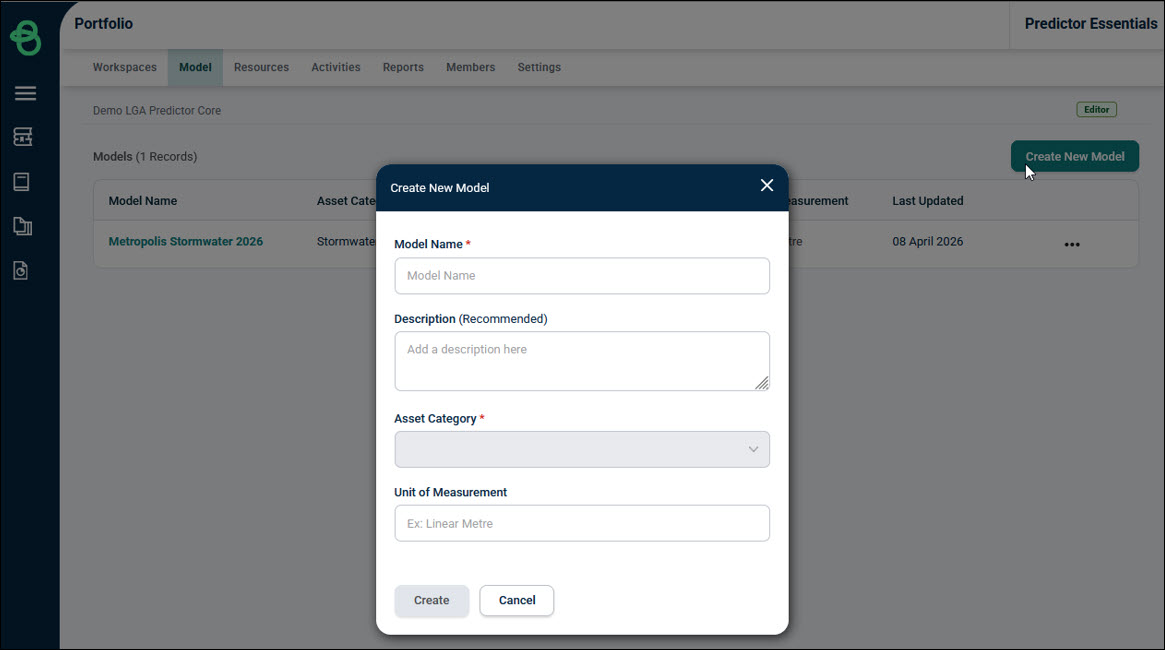
Predictor Core uses Templated Models, which are pre-configured to be ready-to-use with in-built Model Framework, Life Cycle Strategy, and Financial Strategy, while Predictor Enterprise allows the option of creating Models completely from scratch. When creating a new Model in Predictor Core, users will select from one of the available Asset Categories: Buildings, Parks and Gardens, Pathways, Roads, or Stormwater Drains.
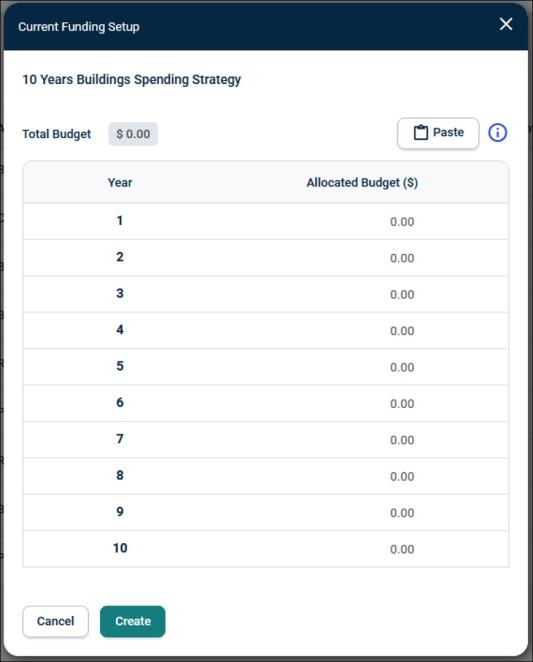
As Predictor Core uses Templated Models, the Funding Setup is completed when creating the new Model:
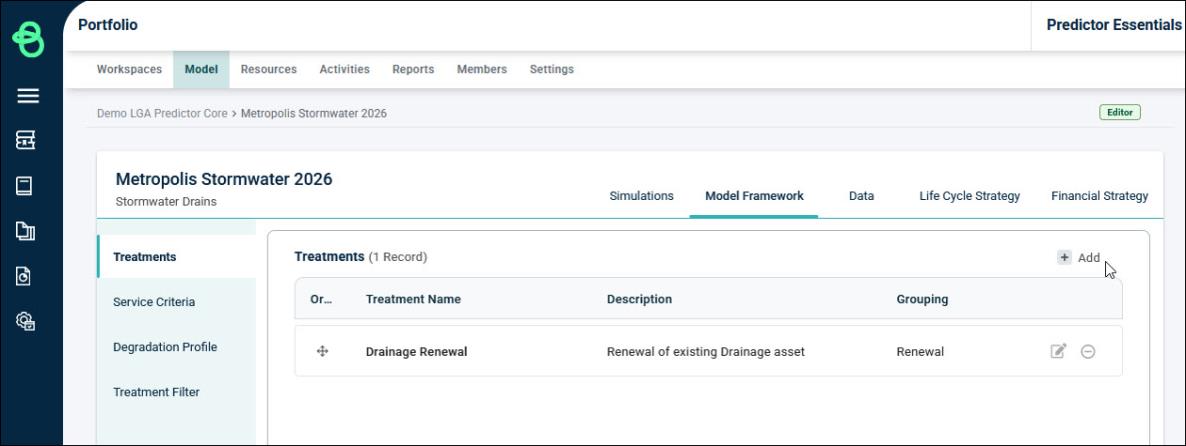
On the Model Framework tab within a Model, Predictor Core uses pre-configured Treatments based on the Model’s chosen Asset Category. New Treatments cannot be added, and existing Treatments cannot be edited or deleted.
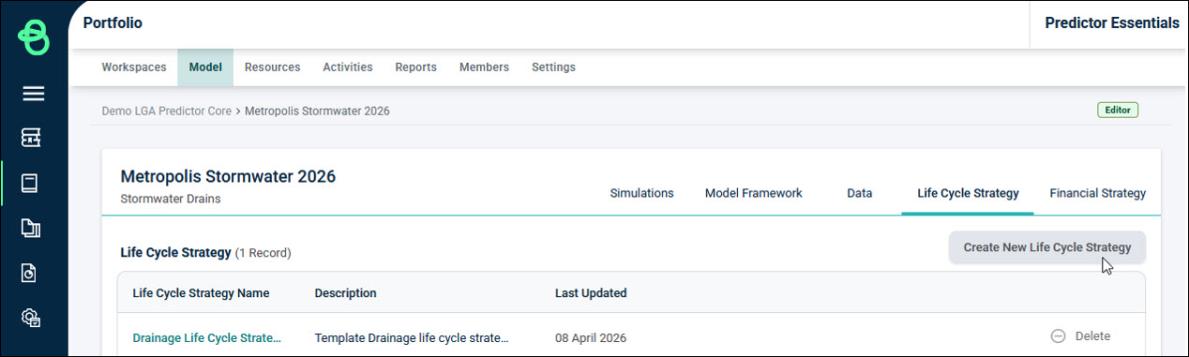
On the Life Cycle Strategy tab within a Model, Predictor Core uses a default Life Cycle based on the chosen Asset Category. New Life Cycle Strategies cannot be added, and existing ones cannot be deleted. Additionally, when drilling down into a Life Cycle Strategy, the Life Cycle, Treatment Criteria, and Treatment Effect cannot be edited.
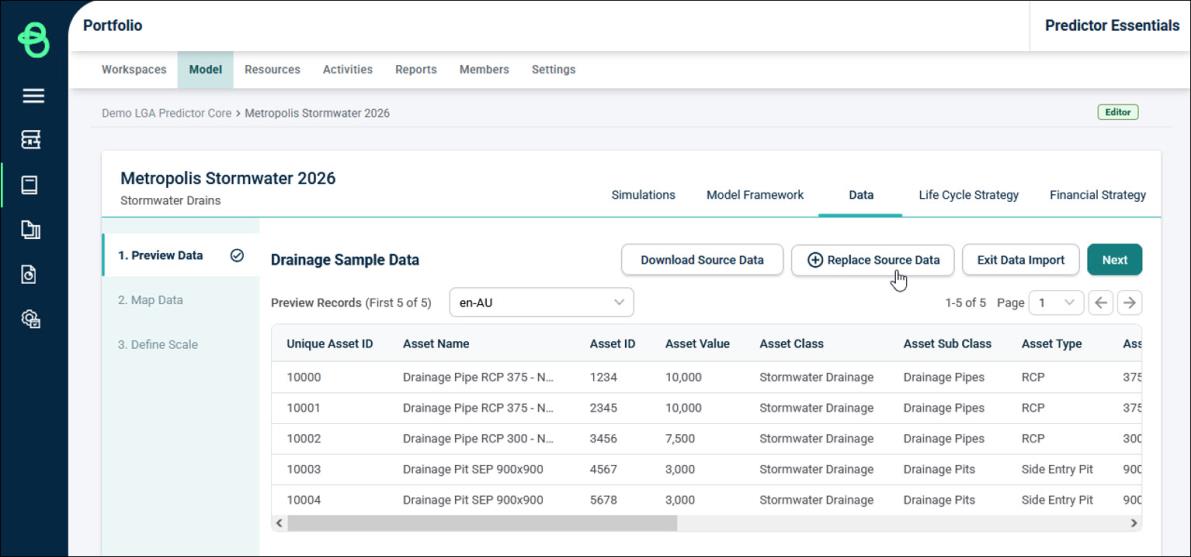
In Predictor Core, the Model is limited to a single Data source, and the mappings cannot be edited. If a new Data source is uploaded to replace the existing Data, then the exact same column headers must be used in the new file as the original, so that the existing mappings can still be used.
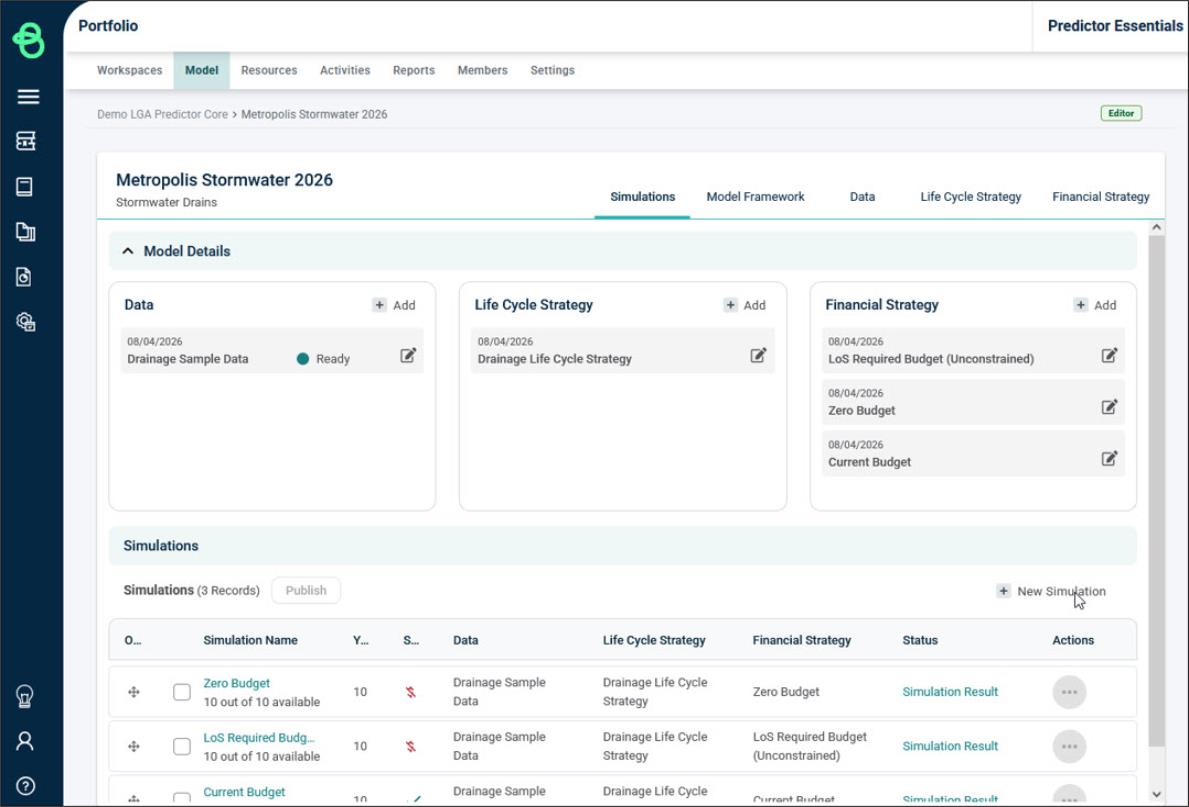
When viewing the list of Simulations in a Predictor Core Model, the results can be viewed and the simulation can be republished, but simulations cannot be edited, deleted, and new simulations cannot be added.